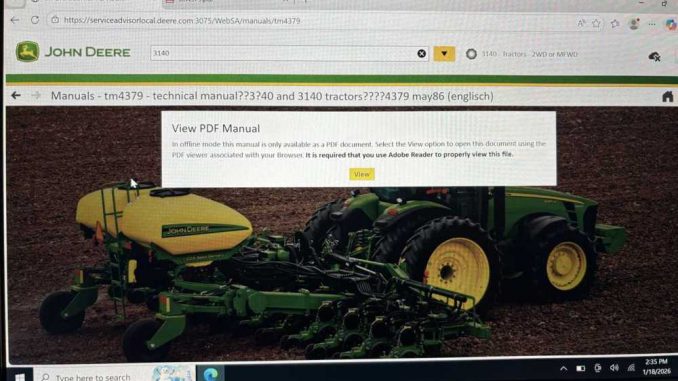
One user report the issue when using John Deere Service Advisor:
“I can’t open PDF manuals. Adobe Reader keeps asking for a password that I don’t have.”

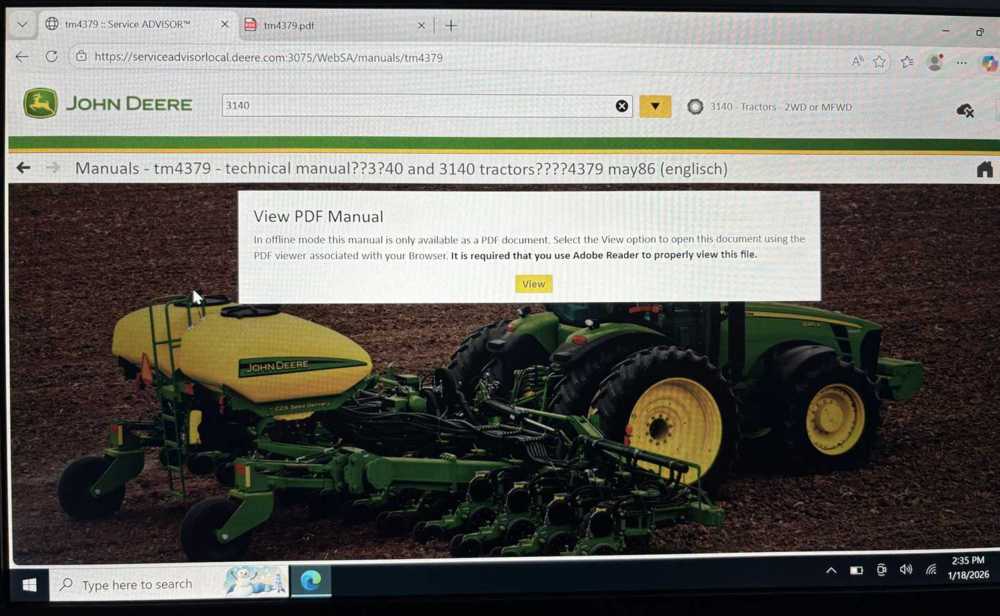
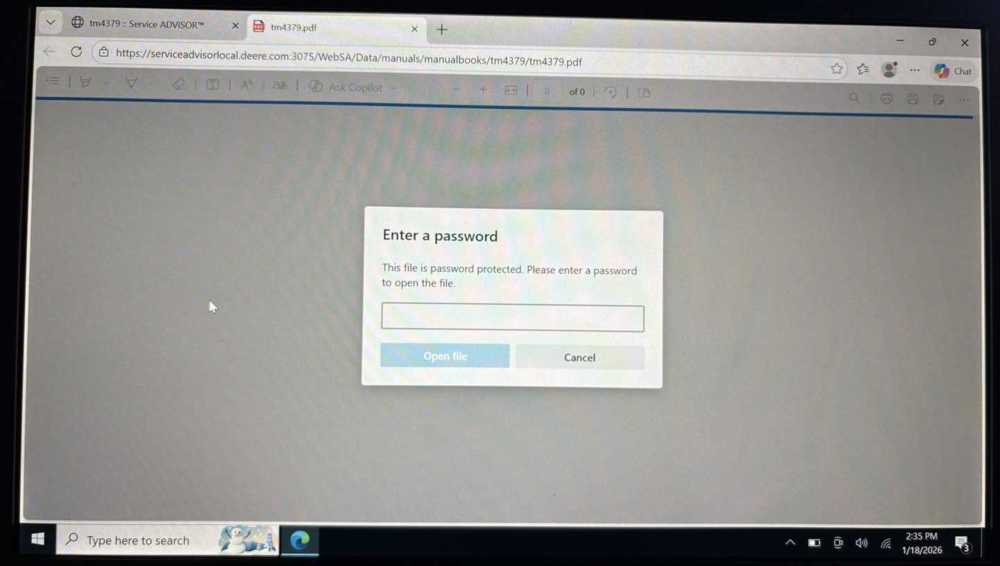
If you’re facing this problem, don’t worry — it’s not a missing password and not a software license issue. This is a browser compatibility problem, and it can be fixed in a few minutes.
❓ Why Does Service Advisor Ask for an Adobe PDF Password?
After reviewing the issue screenshots, our engineers confirmed:
- The Service Advisor PDF viewer is opened in an incompatible browser mode
- Modern browsers (Edge / Chrome mode) may fail to render embedded PDF files correctly
- As a result, Adobe Reader incorrectly prompts for a password
👉 Root cause:
The Service Advisor web interface must run in Internet Explorer (IE) Compatibility Mode.
✅ Solution: Add Service Advisor Page to IE Compatibility Mode
Once the Service Advisor webpage is forced to open in IE mode, the PDF manuals will open normally — no password required.
What You Need to Do
- Enable IE Compatibility Mode
- Add the Service Advisor page to the compatibility list
- Reload the page and reopen the PDF
🎥 Step-by-Step Video Guide
We’ve prepared a clear video tutorial showing exactly how to set IE Compatibility Mode:
👉 Watch the video here:
https://mega.nz/file/qThliAqQ#KZS-_ea4hCb65ond2lzE9-eOGKFL3pSiRC_AICfe8ig
The video walks you through:
- Opening browser compatibility settings
- Adding the Service Advisor webpage
- Refreshing the page correctly
🛠 Can’t Set It Yourself? We’ll Do It for You
If you’re not familiar with browser settings, no problem.
📌 Just send us:
- Your TeamViewer ID
- Your TeamViewer temporary password
Our engineer will set everything remotely and make sure:
- PDFs open correctly
- No password prompts appear
- Service Advisor runs smoothly
🧰 Free Technical Support for Autonumen Customers
If your John Deere Service Advisor was purchased from Autonumen, you are fully covered.
- ✅ Free technical support
- ✅ Remote configuration assistance
- ✅ Fast response from experienced engineers
📧 Support Email:
service@autonumen.com
🔍 Looking for John Deere Diagnostic Tools or Software?
Browse our John Deere diagnostic products here:
👉 https://www.autonumen.com/search.php?type=product&q=John&DirID=