The John Deere software appears the error message “Session Expired Your authorized session has expired. Please log in again.”
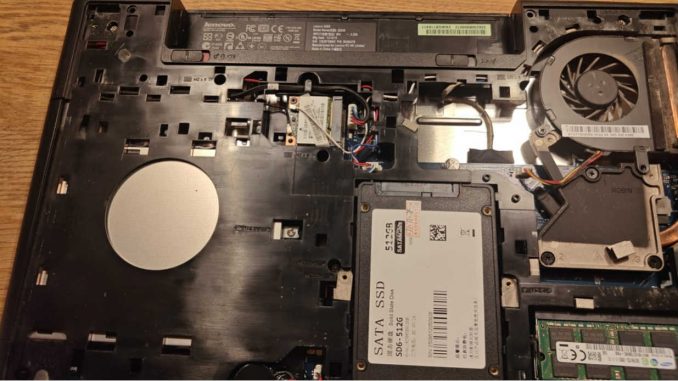
The John Deere software installed on 512G SSD, this SSD is an internal hard disk, you need to install it inside the laptop for use.
Like the picture:
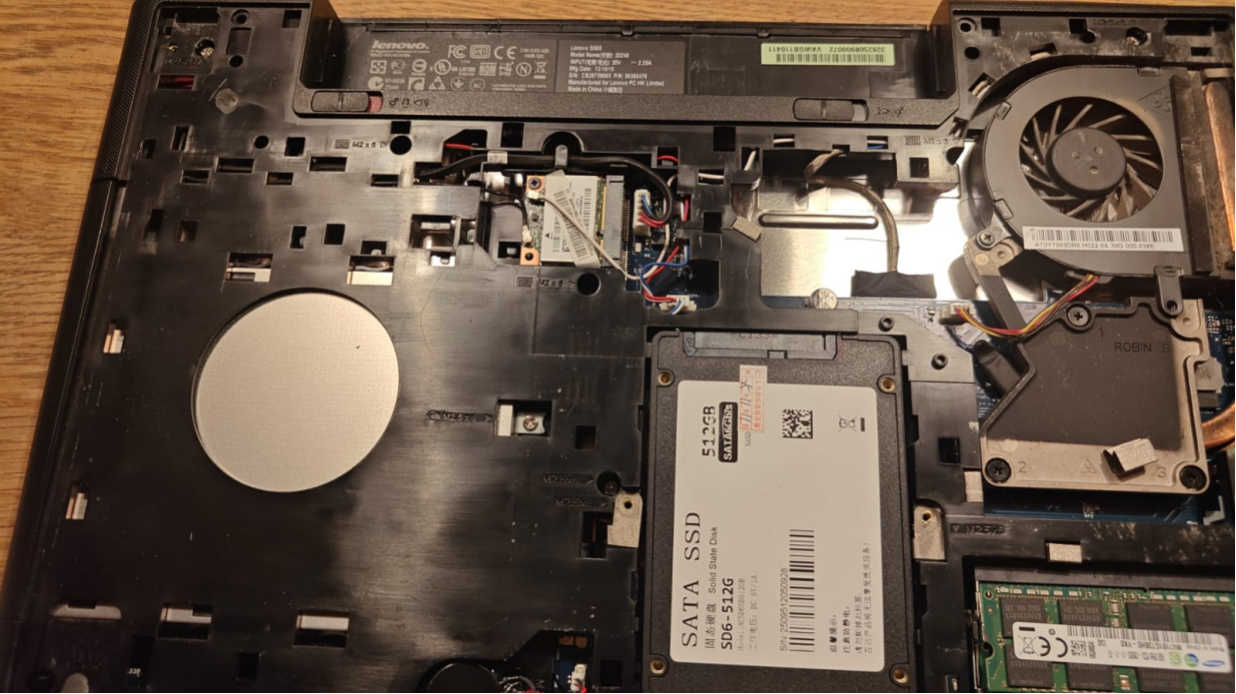
The customer said the SSD can’t boot after install inside the laptop.
The issue pictures as below:
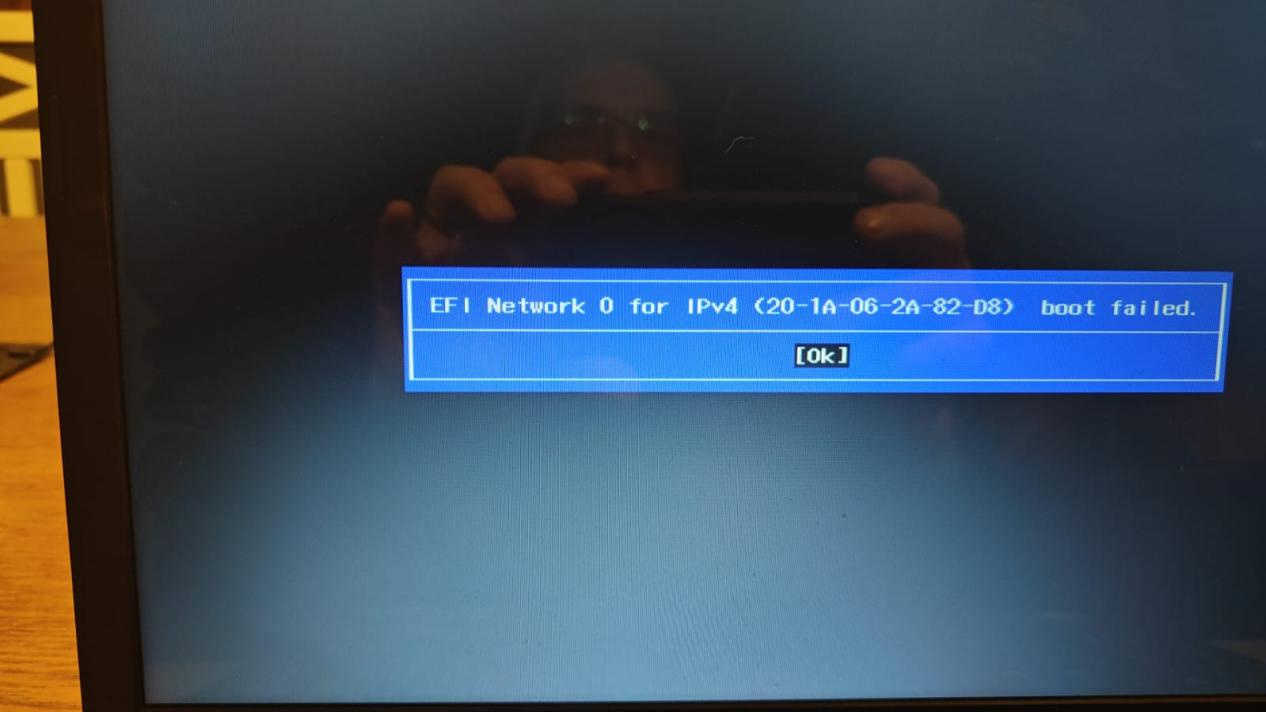
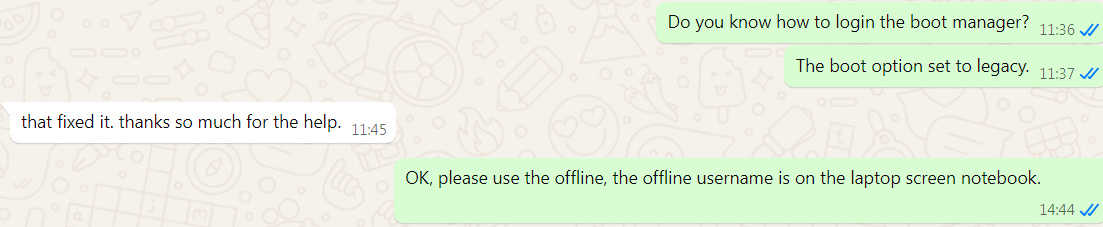
The engineer said the SSD boot menu needs to set to Legacy.
After set the BIOS to Legacy, the SSD is working.
And the customer got the another issue, the software informed this error message.
Session Expired
Your authorized session has expired. Please log in again.
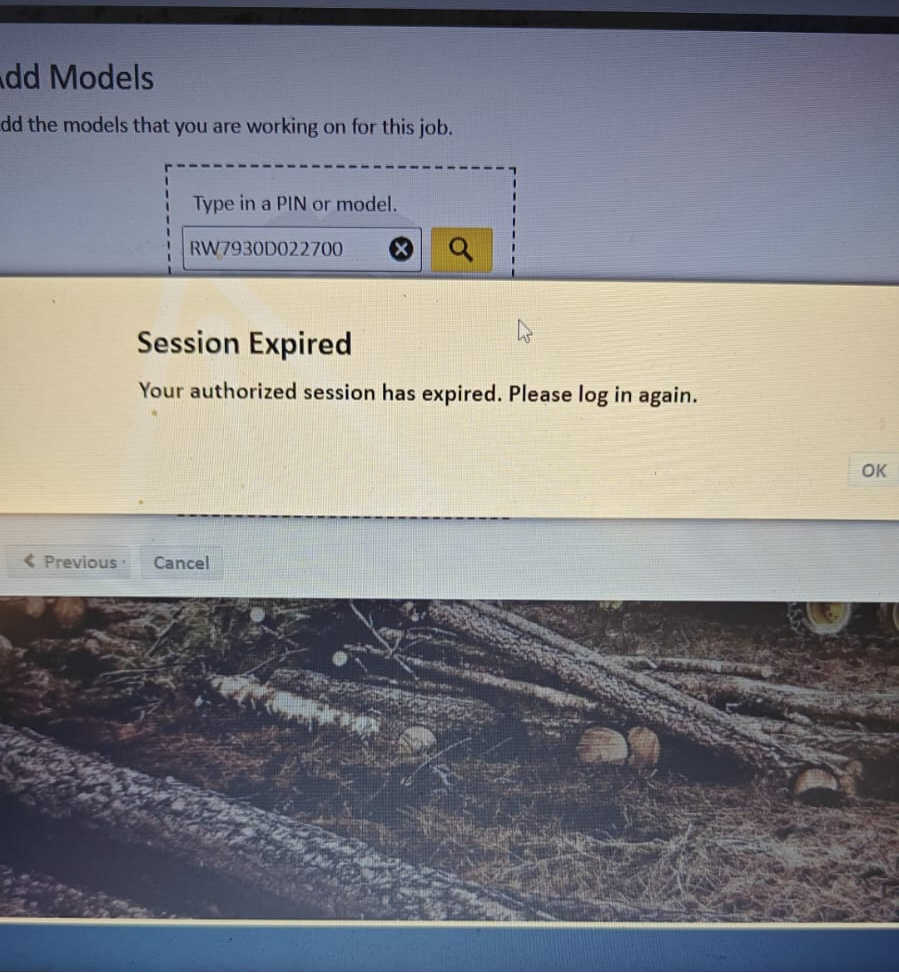
The engineer checked the error and it has two reasons:
1.The If the software standby so long time, please exit and reopen the software.
2.The laptop’s specifications are not enough, also will appear this issue.
The engineer used the TeamViewer remote tool to fix the issue, the software is working.
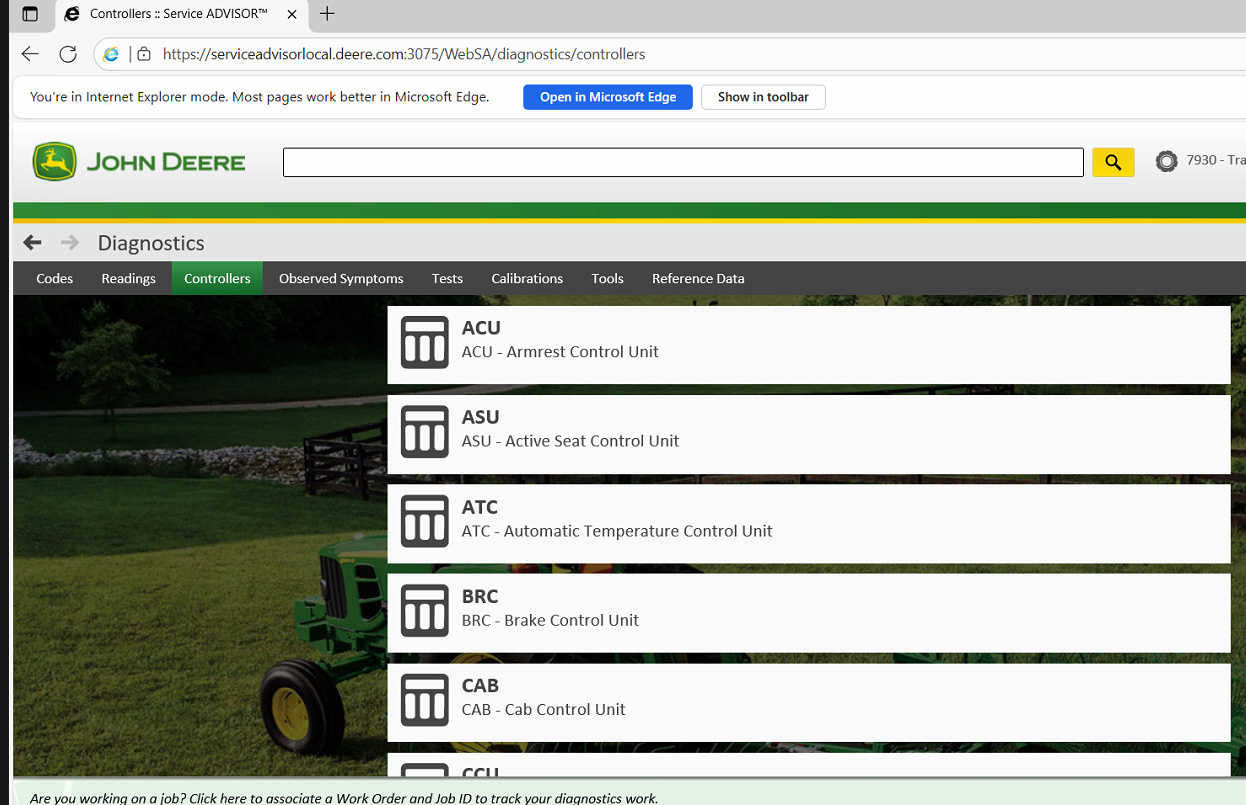
And one small note from the engineer,
Instead of creating a new session, search by vehicle model and then click on diagnostics.
This will save you from using too much cache.
Please contact us if you have issue with the John Deere diagnostic software.
If you want to get the software via remote installation, we also can provide.